
How to Create a Professional Invoice That Gets Paid Faster

Getting paid on time is one of the biggest challenges for freelancers, agencies, small businesses, and entrepreneurs. Even when you deliver exceptional work, a poorly designed invoice can delay payments, create confusion, or even make clients question your professionalism.
Learning how to create a professional invoice that gets paid faster isn’t just about adding your logo or listing services. It’s about building trust, reducing payment friction, and making it incredibly easy for clients to pay you promptly.
In this guide, you’ll learn the essential elements of a professional invoice, common invoicing mistakes to avoid, payment strategies that encourage faster transactions, and practical tips that can significantly improve your cash flow. Whether you’re sending your first invoice or looking to optimize your billing process, this guide will help you invoice like a professional.
Why Professional Invoices Matter
An invoice is much more than a payment request. It’s an official business document that reflects your brand, communicates financial details, and creates a clear record of the transaction.
A well-designed invoice can:
- Build trust with clients
- Reduce payment delays
- Minimize billing disputes
- Improve cash flow
- Create a professional business image
- Simplify bookkeeping and tax preparation
Businesses that use organized, detailed invoices often experience fewer payment-related issues because clients immediately understand what they’re paying for and how to complete the payment.
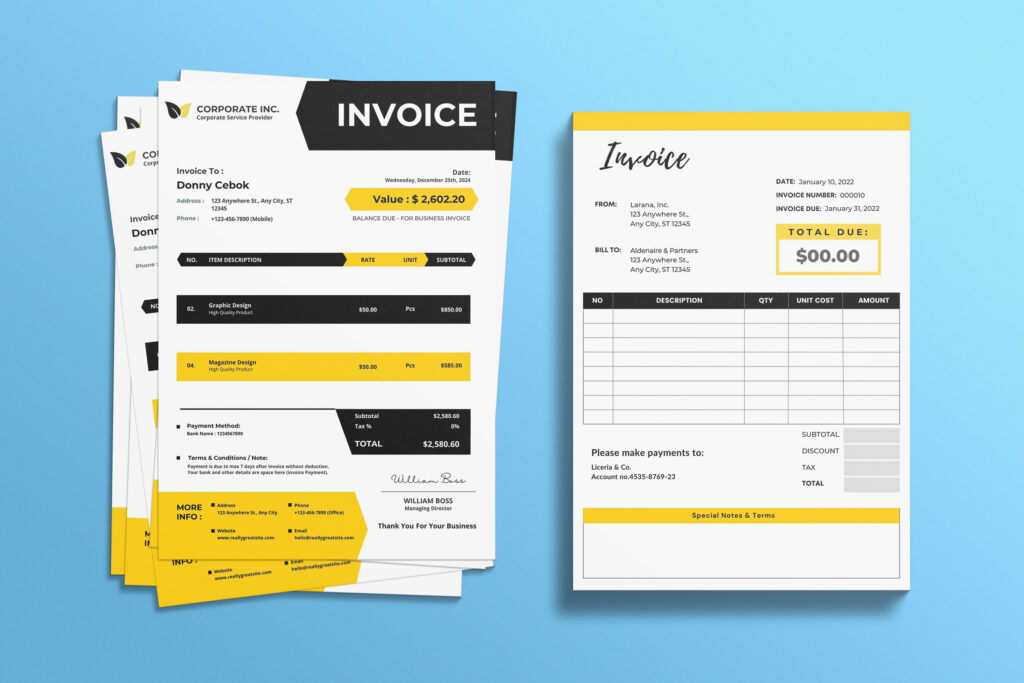
What Is a Professional Invoice?
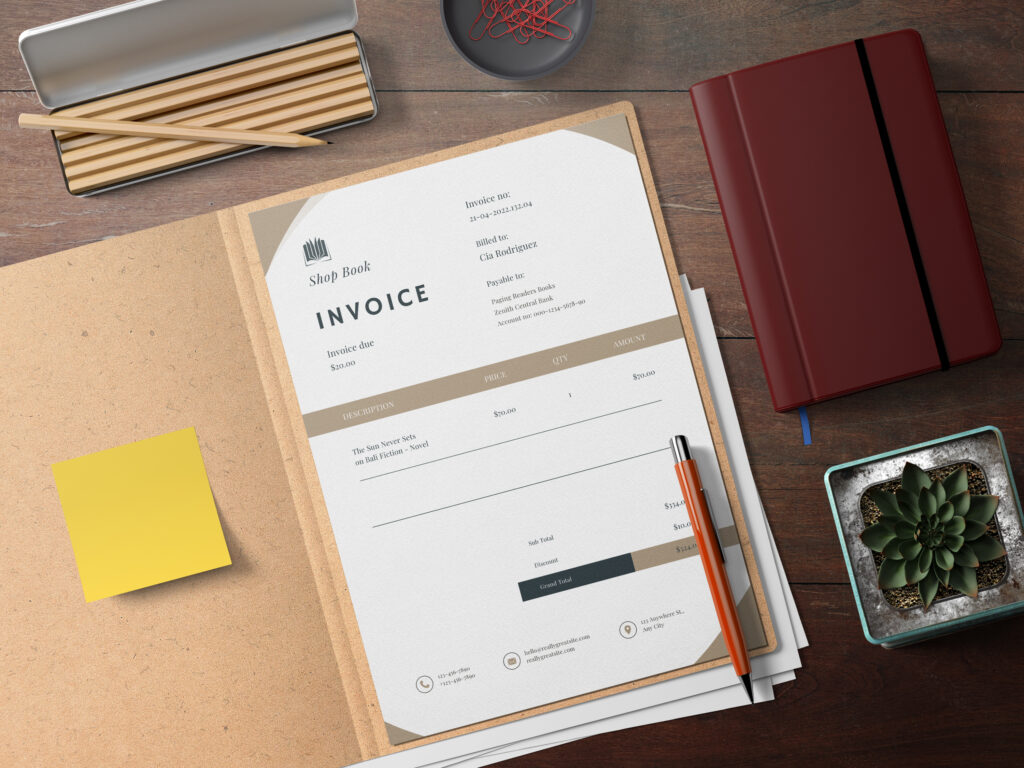
A professional invoice is a structured billing document that clearly outlines:
- Business information
- Client details
- Services or products provided
- Payment amount
- Due date
- Payment methods
- Terms and conditions
Unlike handwritten or generic invoices, professional invoices are clean, consistent, and easy to understand.
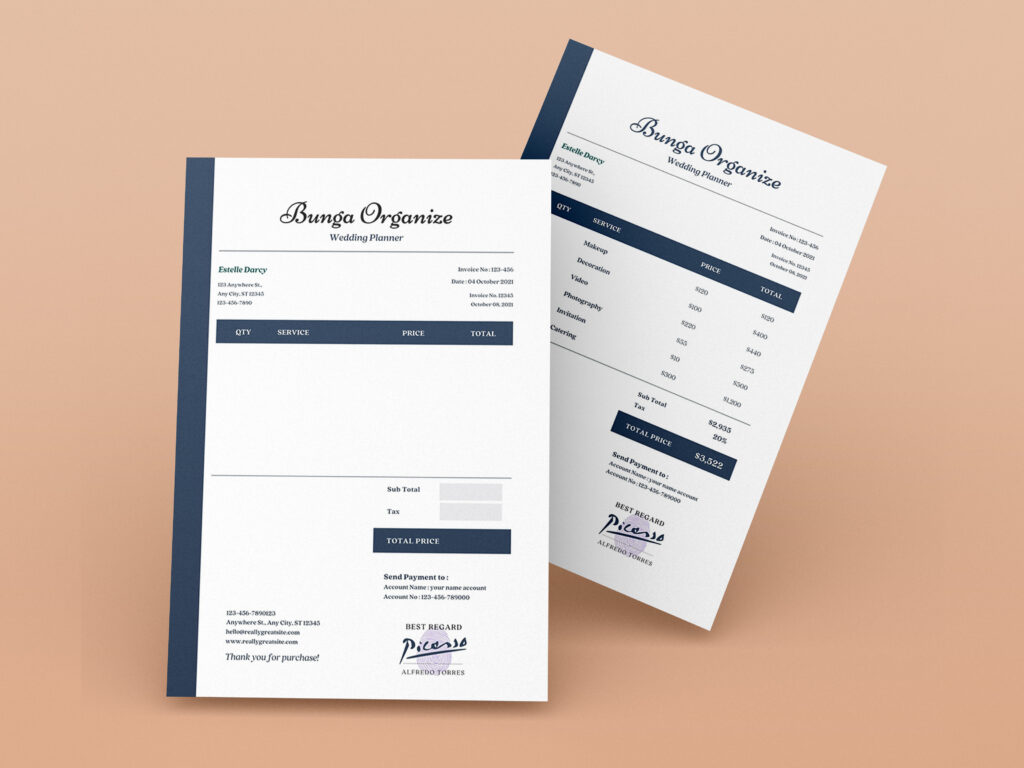
Essential Elements Every Professional Invoice Should Include
Missing even one important detail can delay payment. Here’s what every invoice should contain.
1. Business Information
Include:
- Business name
- Logo
- Address
- Phone number
- Website
- Tax ID (if applicable)
This immediately establishes credibility.
2. Client Information
List:
- Client name
- Company name
- Billing address
- Contact email
Double-check spelling and company details before sending.
3. Unique Invoice Number
Every invoice should have a unique number.
Example:
- INV-1001
- INV-2026-058
- IMG-4589
Sequential numbering keeps financial records organized and simplifies accounting.
4. Invoice Date
Always include:
- Invoice creation date
- Issue date
This determines your payment timeline.
5. Payment Due Date
Instead of writing:
“Payment due soon”
Write:
“Payment Due: August 15, 2026”
Specific dates encourage faster payments.
6. Itemized Services or Products
Break everything into individual line items.
Example:
| Description | Quantity | Rate | Total |
| Logo Design | 1 | $250 | $250 |
| Business Card Design | 2 | $50 | $100 |
| Brand Guidelines | 1 | $150 | $150 |
Total = $500
Detailed invoices reduce confusion and disputes.
7. Total Amount Due
Highlight the total amount.
Use larger font or bold formatting.
Example:
Total Due: $500
Make it impossible to miss.
8. Payment Methods
Offer multiple payment options whenever possible.
Examples:
- Bank Transfer
- PayPal
- Stripe
- Credit Card
- Wise
- Mobile Payment
- Check
The easier it is to pay, the faster you’ll get paid.
9. Payment Terms
Clearly explain your payment policy.
Examples:
- Net 7
- Net 15
- Net 30
- Due upon receipt
You can also include:
Late payments may incur a 2% monthly late fee.
10. Notes or Thank You Message
A simple message builds positive client relationships.
Example:
Thank you for your business. We appreciate the opportunity to work with you.
How to Design an Invoice That Looks Professional
Good invoice design isn’t about flashy graphics.
It’s about clarity.
Follow these best practices:
- Use clean typography
- Leave enough white space
- Align numbers properly
- Keep branding consistent
- Use one or two accent colors
- Make totals highly visible
- Avoid clutter
Professional invoices are easy to scan within seconds.
Best Invoice Layout Structure
A simple layout works best.
- Business logo
- Invoice title
- Invoice number
- Business information
- Client information
- Invoice details
- Itemized table
- Total amount
- Payment instructions
- Terms
- Thank you note
Clients should immediately know where to find the payment information.
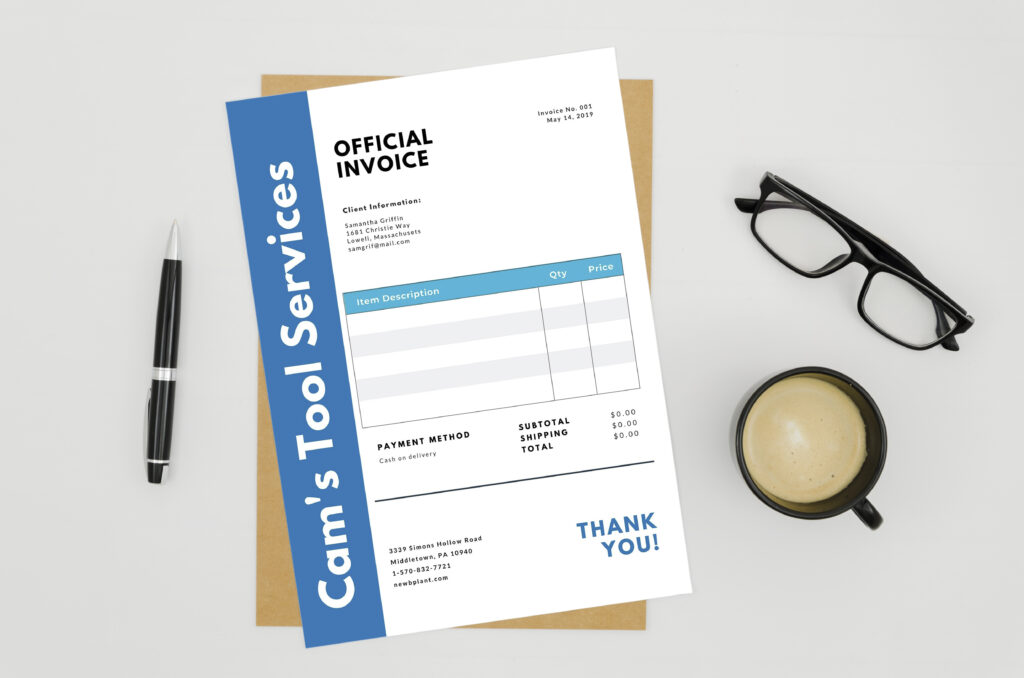
How to Get Paid Faster
Professional invoices are only part of the equation.
These strategies help speed up payments.
Send the Invoice Immediately
Don’t wait days after completing work.
Send invoices within 24 hours.
The sooner clients receive them, the sooner they enter the payment cycle.
Use Clear Payment Instructions
Avoid making clients guess.
Include:
- Account number
- Payment link
- Reference number
- Currency
- Accepted payment methods
Every extra step can delay payment.
Set Realistic Payment Terms
Different industries use different terms.
| Business Type | Recommended Terms |
| Freelancers | Net 7 |
| Agencies | Net 15 |
| Consultants | Net 15 |
| Small Businesses | Net 30 |
Shorter payment terms generally improve cash flow.
Offer Multiple Payment Options
Clients often pay faster when they can choose their preferred method.
Include digital payment options whenever possible.
Add Late Payment Policies
A gentle reminder encourages timely payment.
Example:
Payments received after the due date may be subject to a late fee.
You don’t always need to enforce it, but including the policy creates accountability.
Send Friendly Payment Reminders
Many late payments happen because clients simply forget.
A reminder schedule could be:
- 3 days before due date
- Due date
- 3 days overdue
- 7 days overdue
- 14 days overdue
Keep reminders polite and professional.
Common Invoice Mistakes That Delay Payments
Avoid these common errors.
Missing Contact Information
Clients should always know how to reach you.
Incorrect Pricing
Double-check:
- Rates
- Quantities
- Taxes
- Discounts
- Totals
Calculation errors damage credibility.
Vague Descriptions
Instead of:
“Design Work”
Write:
“Homepage UI Design – 8 Hours”
Specific descriptions reduce client questions.
No Due Date
Never assume clients know your payment schedule.
Always include an exact payment deadline.
Forgetting Payment Instructions
Many businesses accidentally leave out bank details or payment links.
If clients don’t know how to pay, payment gets delayed.
Invoice Design Tips That Improve Trust
Professional presentation influences how clients perceive your business.
Use:
- Brand colors
- Company logo
- Consistent fonts
- Organized spacing
- Professional formatting
- PDF format when sending invoices
PDF invoices maintain formatting across devices.
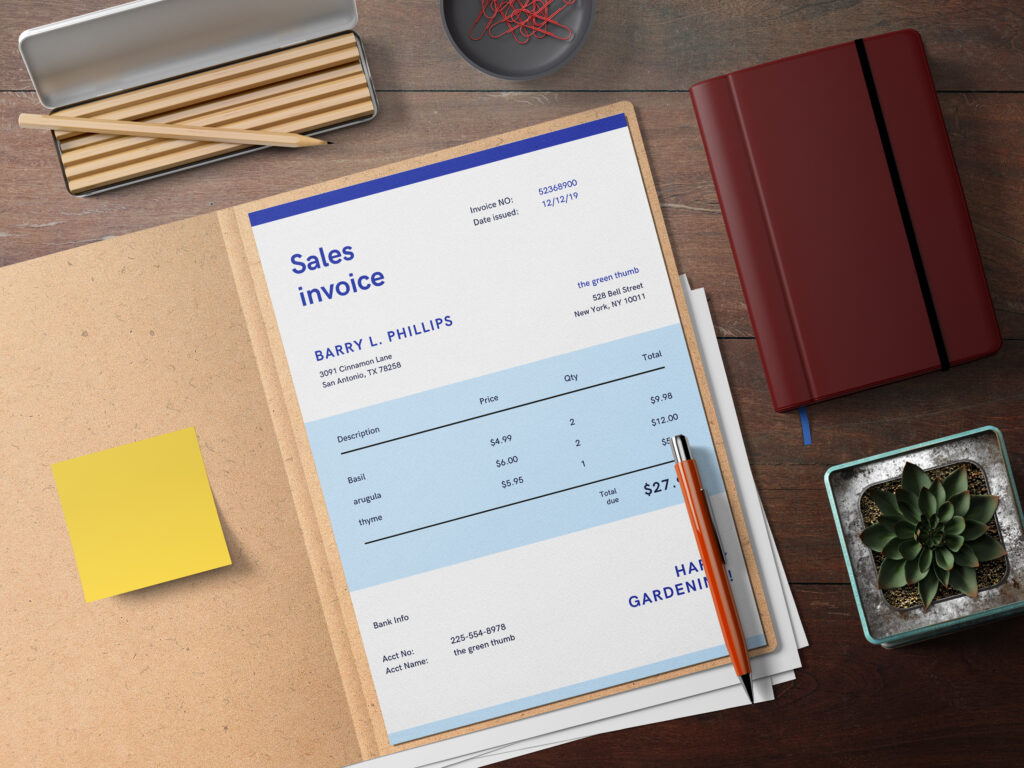
Should You Use Invoice Templates?
Absolutely.
Invoice templates save time while ensuring consistency.
Benefits include:
- Faster invoice creation
- Fewer mistakes
- Professional appearance
- Brand consistency
- Easy customization
- Better organization
Templates are especially valuable for freelancers, consultants, creative professionals, and small businesses that send recurring invoices.
Manual Invoices vs Invoice Templates
| Feature | Manual Invoice | Professional Template |
| Time Required | High | Low |
| Consistency | Low | High |
| Professional Appearance | Moderate | Excellent |
| Error Risk | High | Low |
| Branding | Limited | Easy |
| Payment Speed | Moderate | Faster |
Professional templates clearly outperform manually created invoices.
Tips for Freelancers and Small Businesses
If you’re a freelancer or startup, these habits can make a noticeable difference:
- Invoice immediately after project completion.
- Use invoice numbers consistently.
- Include purchase order numbers if required.
- Clearly define payment terms before starting work.
- Keep digital copies of every invoice.
- Follow up politely on overdue payments.
- Track paid and unpaid invoices monthly.
- Automate recurring invoices when possible.
These simple practices help maintain healthy cash flow and reduce administrative work.
Expert Recommendations for Faster Payments
Experienced finance professionals often recommend:
- Request partial upfront payments for large projects.
- Offer small early-payment discounts for long-term clients.
- Keep invoice language simple and professional.
- Use cloud-based invoicing software to track payment status.
- Review invoices before sending to eliminate errors.
- Maintain consistent branding across all business documents.
Small improvements in your invoicing process can significantly reduce outstanding payments over time.
Frequently Asked Questions
What makes an invoice look professional?
A professional invoice includes complete business and client information, a unique invoice number, itemized services, payment terms, due date, accepted payment methods, and consistent branding with a clean layout.
What is the best payment term for freelancers?
Many freelancers use Net 7 or Net 15 payment terms because they encourage faster payments while giving clients reasonable processing time.
Should I include my logo on an invoice?
Yes. Including your company logo strengthens brand recognition and makes your invoice appear more trustworthy and professional.
Can invoice templates help me get paid faster?
Yes. Well-designed invoice templates improve clarity, reduce billing errors, and make payment instructions easier to follow, helping clients pay more quickly.
How often should I remind clients about unpaid invoices?
A good approach is to send a reminder a few days before the due date, on the due date itself, and then at regular intervals—such as 3, 7, and 14 days after the deadline—while keeping the tone courteous and professional.
Should I send invoices as PDFs?
Yes. PDF invoices preserve formatting across devices, prevent accidental edits, and present a more polished appearance than editable documents.
Conclusion
Creating a professional invoice is one of the simplest ways to improve your business’s cash flow and strengthen client relationships. A clear, accurate, and well-designed invoice reduces confusion, builds trust, and encourages prompt payment.
By including all essential invoice details, offering convenient payment methods, using consistent branding, and following up professionally, you’ll create a smoother payment experience for both you and your clients. Investing in high-quality invoice templates and refining your invoicing process today can lead to fewer late payments, stronger financial management, and a more professional business image tomorrow.
If you’re ready to streamline your billing process, explore professionally designed invoice templates from Imagenish to create polished, client-ready invoices that save time and help you get paid faster.