
Best Invoice Templates for Freelancers and Small Businesses

Managing payments, tracking expenses, and maintaining professional client relationships are essential parts of running a successful freelance business or small company. However, creating invoices from scratch can consume valuable time and lead to unnecessary errors. That’s where the best invoice templates for freelancers and small businesses make a real difference. A well-designed invoice template helps you bill clients accurately, organize financial records, and get paid on time without spending hours on administrative tasks.
Whether you’re a freelance graphic designer, content writer, web developer, consultant, or small business owner, choosing the right invoice template can simplify your daily operations. From free invoice templates in Word and Excel to customizable PDF invoices and digital invoicing solutions, there are plenty of options to suit different business needs.
In this guide, we’ll explore the most useful invoice templates, explain what makes an invoice effective, compare popular formats, and share practical tips to help you create professional invoices that support your business growth.
Why Freelancers and Small Businesses Need Professional Invoice Templates
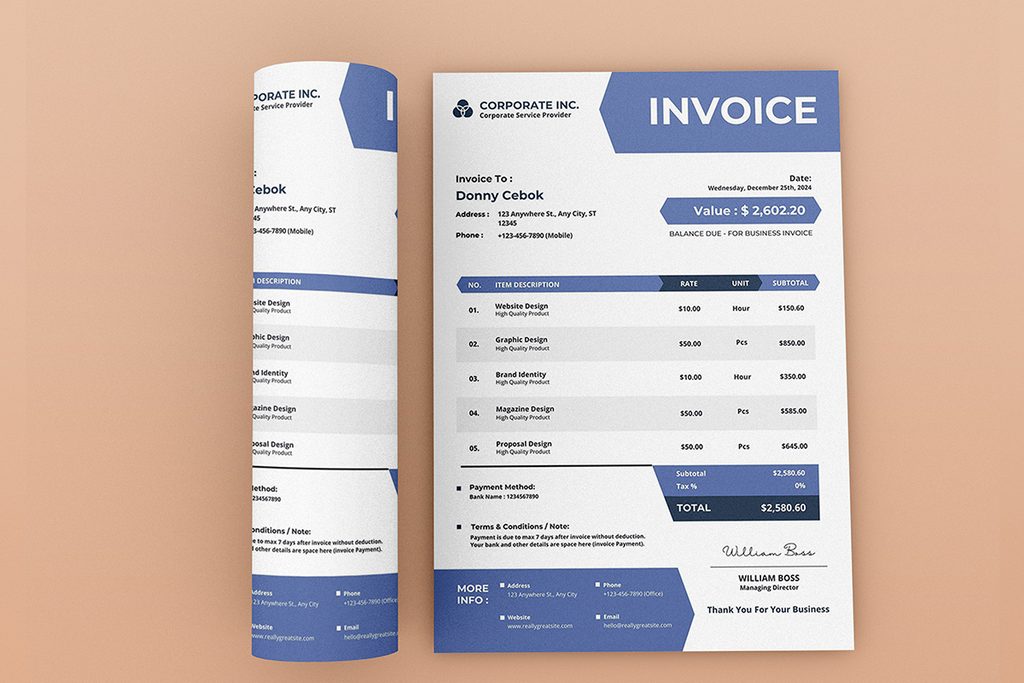
An invoice is more than a request for payment. It’s an official business document that communicates the services you’ve provided, the amount owed, and the payment terms agreed upon with your client.
For freelancers and small businesses managing multiple projects, a consistent invoicing system can make financial administration significantly easier.
Here are some important benefits of using a professional invoice template:
- Save Time: Reusable templates eliminate the need to create a new invoice for every project.
- Maintain Professionalism: Clean layouts and consistent branding create a positive impression on clients.
- Reduce Payment Delays: Clearly displayed totals, due dates, and payment instructions make it easier for clients to pay.
- Improve Financial Organization: Standardized invoices simplify bookkeeping, expense tracking, and tax preparation.
- Minimize Errors: Preformatted fields and automatic calculations in spreadsheet templates can reduce manual mistakes.
For example, a freelance web developer handling five clients every month could use a reusable invoice template to bill each client consistently. Instead of designing five separate documents, the developer only needs to update the client details, project description, invoice number, and payment amount.
Best Invoice Templates for Freelancers and Small Businesses
The best invoice template depends on your industry, preferred software, business size, and invoicing frequency. Some businesses need simple documents, while others require detailed billing structures, recurring invoices, or itemized service descriptions.
1. Simple Invoice Template
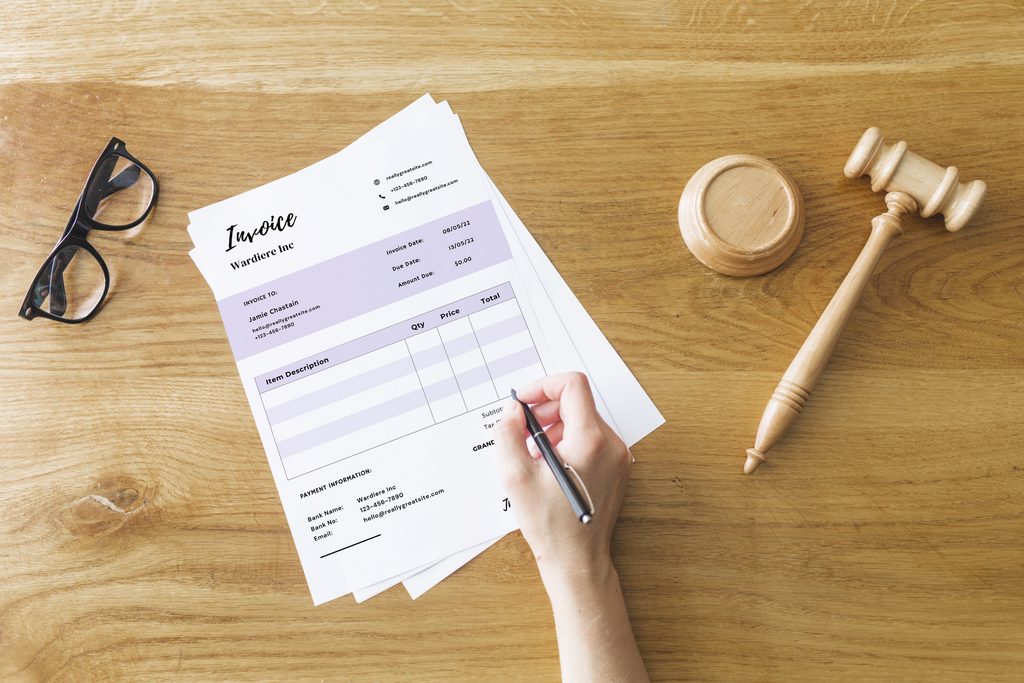
A simple invoice template includes essential information such as your business name, client details, invoice number, services, total amount, and payment due date.
It is ideal for freelancers, independent contractors, tutors, and consultants who need a straightforward way to request payments.
Key Benefits:
- Easy to customize and reuse.
- Quick to complete and send.
- Suitable for straightforward projects.
- Requires minimal technical knowledge.
A simple invoice template is particularly useful for beginners who want to establish a professional billing process without using complicated software.
2. Freelance Invoice Template
A freelance invoice template is designed for project-based work, hourly billing, retainers, and creative services. It can include project names, hours worked, hourly rates, milestones, and additional expenses.
It is ideal for graphic designers, content writers, web developers, photographers, and digital marketers.
Key Benefits:
- Clearly communicates project costs.
- Supports hourly and fixed-price billing.
- Makes it easier to track completed work.
- Helps prevent misunderstandings about project expenses.
For example, a freelance graphic designer can list logo design, social media graphics, and additional revisions as separate services to provide a transparent breakdown of the project cost.
3. Small Business Invoice Template
A small business invoice template supports multiple products or services, quantities, unit prices, discounts, taxes, and subtotals.
It is ideal for retailers, marketing agencies, wholesalers, and small service companies.
Key Benefits:
- Supports itemized billing.
- Makes product and service costs easier to understand.
- Helps maintain consistent business documentation.
- Simplifies financial recordkeeping.
Small businesses that handle frequent transactions can use a standardized invoice template to maintain accurate billing records and organize customer payments.
4. Hourly Invoice Template
An hourly invoice template includes work descriptions, billable hours, hourly rates, and calculated totals. It is especially useful when the final project cost depends on the amount of time spent working.
It is ideal for consultants, IT professionals, virtual assistants, and freelance developers.
Key Benefits:
- Provides a clear breakdown of working hours.
- Makes hourly charges transparent.
- Helps clients understand project expenses.
- Simplifies the calculation of total service costs.
For example, a freelance IT consultant charging $25 per hour for 12 hours of work can clearly display the service description, total hours, hourly rate, and final amount due.
5. Recurring Invoice Template
Recurring invoice templates are designed for regular billing, such as monthly retainers, maintenance services, subscriptions, and ongoing consulting.
They are ideal for marketing agencies, IT support providers, subscription businesses, and consultants.
Key Benefits:
- Standardizes repeated billing.
- Reduces administrative work.
- Makes regular payment schedules easier to manage.
- Helps maintain consistent client relationships.
A small digital marketing agency, for example, can use a recurring invoice template to bill clients monthly for SEO, social media management, and website maintenance services.format can make your billing process easier. Each file type offers different advantages depending on how you manage your business.ue a limited number of invoices each month.
Microsoft Excel Invoice Templates
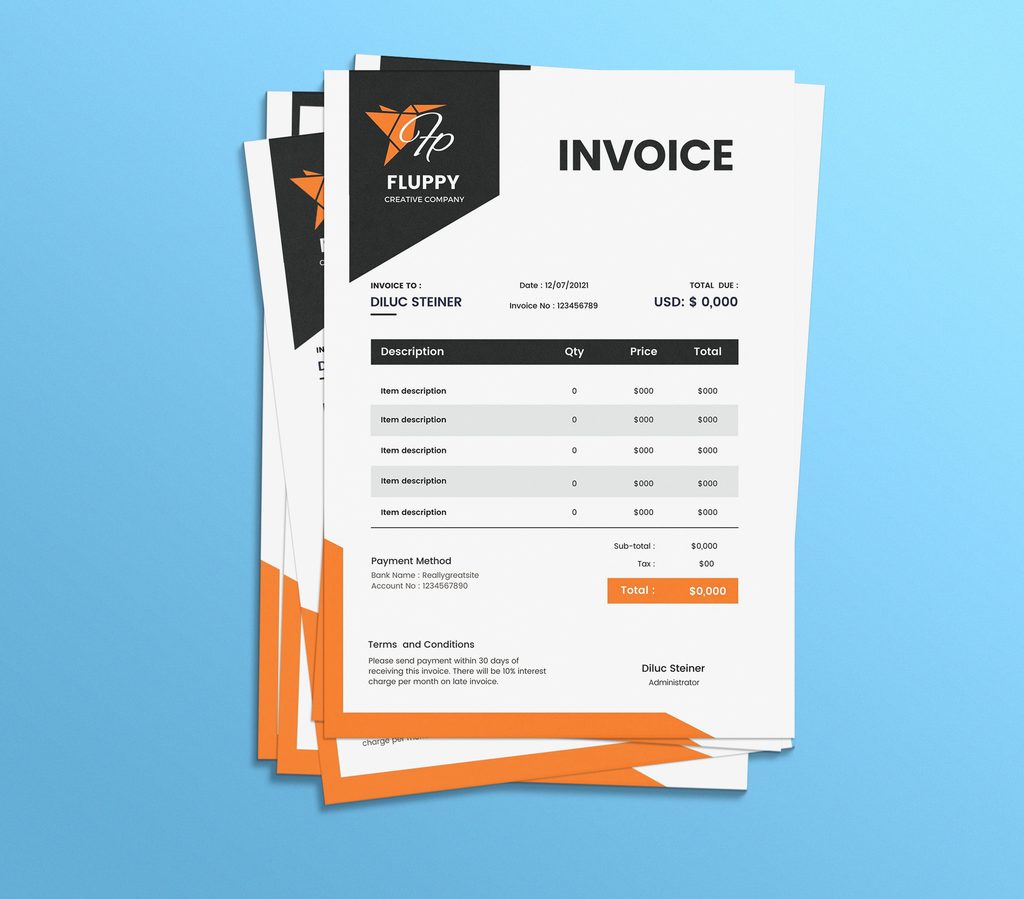
Microsoft Excel is a practical option for businesses that need to calculate quantities, hourly rates, discounts, and taxes.
Excel formulas can automatically calculate invoice totals, reducing the risk of manual calculation errors.
For example:
Total = Quantity × Unit Price
You can also create reusable invoice sheets that calculate subtotals, taxes, and outstanding balances.
PDF Invoice Templates
PDF invoices are particularly useful for sending finalized billing documents to clients. A PDF generally preserves its formatting across different devices and operating systems, making it suitable for professional communication.
A common workflow is to create an invoice in Word or Excel, review the details, and export the completed document as a PDF before sending it to the client.
Google Docs and Google Sheets Invoice Templates
Google Docs and Google Sheets provide browser-based invoicing options that are convenient for freelancers and remote teams. Documents can be accessed from different devices, and authorized collaborators can work on shared files.
These formats are especially useful when you need to manage invoices while working from home, traveling, or coordinating with a small team.
Essential Features of a Professional Invoice Template
A professional invoice should be visually clear and contain all the information necessary for accurate payment processing and recordkeeping.
Every effective invoice template should include the following details:
- Business name, logo, and contact information.
- Client’s name and billing address.
- Unique invoice number.
- Invoice issue date and payment due date.
- Description of products or services.
- Quantity, hourly rate, or unit price.
- Subtotal, discounts, and applicable taxes.
- Total amount due and currency.
- Accepted payment methods and payment instructions.
- Payment terms and any relevant notes.
Clear Invoice Numbers and Payment Terms
Every invoice should have a unique identification number. A sequential system, such as INV-2026-001, INV-2026-002, and INV-2026-003, makes it easier to find records and track outstanding payments.
Payment terms should also be easy to understand. Common examples include:
- Due on Receipt: Payment is expected as soon as the client receives the invoice.
- Net 7: Payment is due within seven days.
- Net 15: Payment is due within 15 days.
- Net 30: Payment is due within 30 days.
Choose terms that reflect your agreement with the client and any applicable legal or contractual requirements.
Accurate Pricing and Tax Information
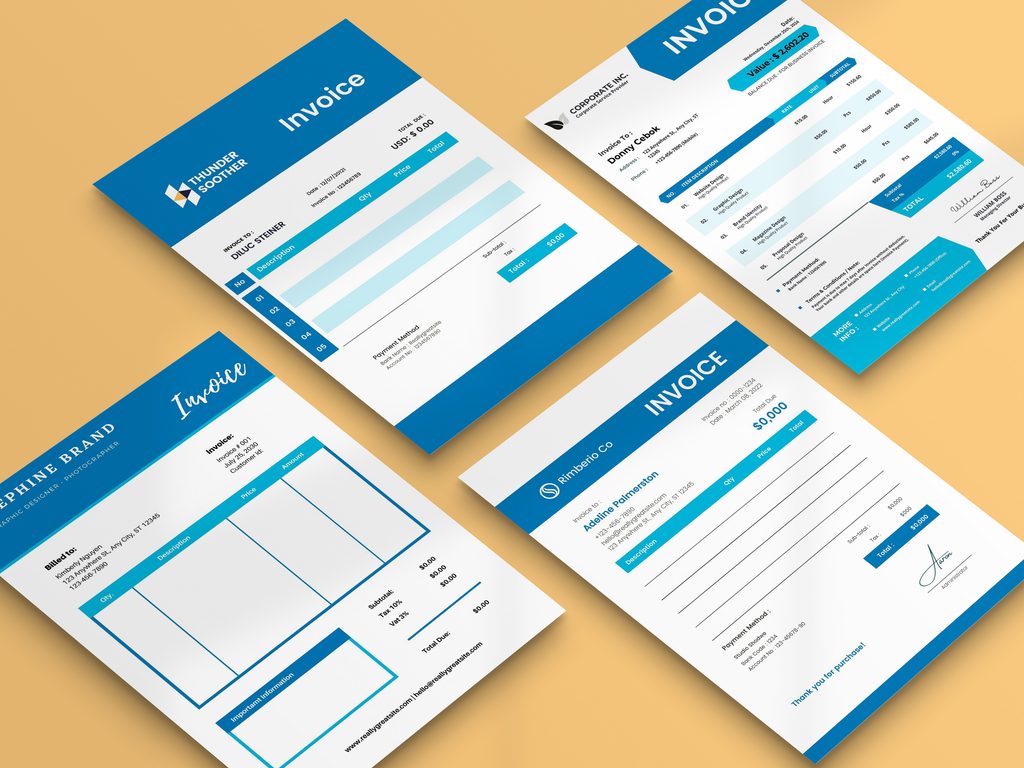
An invoice should clearly distinguish between the cost of services, additional expenses, discounts, and applicable taxes.
If you provide several services within a single project, itemizing them helps clients understand exactly what they’re paying for. Tax requirements vary by location and business type, so verify the applicable rules before issuing tax invoices.
How to Choose the Right Invoice Template for Your Business
Selecting an invoice template is easier when you consider your daily billing requirements and the way your business operates.
1. Identify Your Billing Method
Start by determining how you charge clients. Freelancers may charge hourly, per project, per milestone, or through monthly retainers. Retail businesses may need product quantities and unit prices.
Choose a template that supports your billing method without requiring unnecessary manual changes.
2. Consider Your Business Size
A freelancer handling a few projects each month may only need a basic Word or PDF invoice. A small business managing dozens of transactions might benefit from Excel or dedicated invoicing software with automated calculations and payment tracking.
3. Look for Customization Options
Your invoice should reflect your business identity without making important details difficult to find.
Consider templates that allow you to customize:
- Business logo and brand colors.
- Fonts and typography.
- Contact details.
- Service descriptions.
- Payment terms.
- Currency and tax fields.
4. Check Compatibility and Accessibility
Choose a file format that works with your existing tools and your clients’ requirements. If you regularly work across different devices, cloud-based templates may be more convenient than documents stored on a single computer.
Common Invoice Mistakes Freelancers and Small Businesses Should Avoid
Even a visually attractive invoice can create problems if essential information is missing or inaccurate.
Missing Payment Deadlines
Without a clear due date, clients may not understand when payment is expected. Always include an agreed payment deadline to establish clear expectations.
Unclear Service Descriptions
Vague descriptions such as “design work” may lead to questions or disputes. Instead, specify the project, deliverables, or service period so clients can understand exactly what they’re paying for.
Incorrect Calculations
Manual errors can result in overcharging or undercharging. Use spreadsheet formulas where appropriate and review the final totals before sending.
Inconsistent Invoice Numbering
Reusing invoice numbers makes financial records harder to manage. Maintain a consistent numbering system and assign a unique number to every invoice.
Ignoring Payment Follow-Ups
Sending an invoice does not guarantee immediate payment. Keep a record of due dates and send polite reminders when payments become overdue.
Poor Document Organization
Storing invoices in unrelated folders can make it difficult to find records later. Use a consistent folder structure organized by year, client, or invoice status.
Practical Tips to Get Paid Faster
A well-organized invoicing process can help reduce payment delays and improve cash flow.
- Send Invoices Promptly: Issue invoices as soon as the agreed billing milestone is completed.
- Agree on Payment Terms in Advance: Confirm rates, deadlines, and payment methods before starting a project.
- Offer Convenient Payment Options: Where appropriate, provide bank transfer, card payment, or supported digital payment methods.
- Use Clear Payment Instructions: Include the information clients need to complete their transactions.
- Schedule Payment Reminders: Send friendly reminders before or shortly after the due date, depending on your agreement.
- Keep Accurate Payment Records: Update invoices as paid, partially paid, or outstanding to maintain a reliable view of your finances.
For example, a freelance content writer who agrees on Net 15 terms can issue an invoice immediately after delivering a completed batch of articles. A reminder shortly before the due date can help the client plan the payment without creating unnecessary pressure.
Invoice Templates vs. Invoicing Software: Which Should You Use?
Templates and invoicing software serve similar purposes, but their capabilities differ.
Invoice Templates
Invoice templates are generally affordable, easy to customize, and suitable for businesses with straightforward billing requirements. Word, Excel, PDF, and Google Sheets templates can provide everything a freelancer needs to manage a small number of invoices.
Invoicing Software
Invoicing software often includes automatic payment reminders, recurring invoices, client management, payment tracking, and financial reporting. These features can be useful when a business handles a large number of transactions or needs a more automated billing process.
Invoice templates are a practical starting point for freelancers and small businesses with straightforward billing requirements. Invoicing software may become useful when you need automatic reminders, recurring invoices, client records, payment integrations, or financial reports.
You don’t necessarily need to adopt complex software as soon as you start a business. Review your invoicing workload periodically and upgrade your process when manual administration begins taking too much time.
How to Customize an Invoice Template for Your Brand
A customized invoice helps establish a consistent professional identity across your business communications.
Start with a clean layout and place your business name or logo near the top. Use one or two brand colors to highlight headings, totals, and important payment information.
Keep the design simple and prioritize readability. Avoid oversized logos, decorative backgrounds, or excessive colors that distract from the invoice details.
You can also create different templates for different types of work. For instance, a digital marketing agency might use one invoice template for monthly retainers and another for one-time campaigns.
Before using a customized template regularly, test it with a sample invoice. Check that all fields are readable, calculations work correctly, and the exported PDF displays properly on both desktop and mobile devices.
Frequently Asked Questions
1. What Is the Best Invoice Template for Freelancers?
The best invoice template for freelancers depends on their billing method and services. A simple Word or PDF template works well for fixed-price projects, while an Excel template is useful for hourly billing, itemized services, and automatic calculations. Freelancers with recurring clients may prefer a template designed for monthly retainers.
2. Where Can I Download Free Invoice Templates?
Free invoice templates are available from several online sources, including Microsoft Create, Google Docs and Sheets template galleries, and other digital document providers. Imagenish also offers an opportunity to explore professionally designed digital templates suitable for business administration. Always review the licensing terms and customization options before using a template commercially.
3. Are Excel or PDF Invoice Templates Better?
Excel is useful for invoices that require calculations, multiple line items, or frequent updates. PDF is generally more suitable for sharing a finalized invoice because it helps preserve the document’s layout. Many businesses use Excel to prepare invoices and PDF to send them to clients.
4. What Information Should a Small Business Invoice Include?
A small business invoice should generally include the business and client details, invoice number, issue date, payment due date, itemized products or services, quantities, prices, applicable taxes, total amount due, and payment instructions. Additional requirements may apply depending on local tax laws and the nature of the transaction.
5. Can Freelancers Create Invoices Without Accounting Software?
Yes. Freelancers can create professional invoices using Word, Excel, Google Docs, Google Sheets, or PDF templates. These options are often sufficient for independent professionals with a manageable number of clients. However, freelancers with complex transactions or growing administrative needs may benefit from dedicated invoicing or accounting software.
6. How Often Should Freelancers Send Invoices?
Freelancers should follow the billing schedule agreed upon with each client. Depending on the project, invoices may be issued upfront, after completing milestones, upon delivery, hourly at regular intervals, or monthly for ongoing services. Consistent invoicing helps maintain predictable financial records and sets clear payment expectations.
7. Are Free Invoice Templates Suitable for Small Businesses?
Free invoice templates can be suitable for many small businesses, particularly those with straightforward billing needs. They provide an accessible way to create professional documents without paying for specialized software. Before adopting one, confirm that it supports your required invoice fields, tax calculations, business branding, and recordkeeping process.
Conclusion
Choosing the best invoice templates for freelancers and small businesses can simplify billing, improve financial organization, and help you maintain professional client relationships. Whether you prefer a simple Word invoice, a calculation-friendly Excel spreadsheet, a shareable PDF, or a cloud-based Google Sheets template, the right choice should match your business’s size, billing method, and workflow.
Focus on clarity, accurate calculations, consistent invoice numbering, and transparent payment terms. As your business grows, you can also introduce automation and dedicated invoicing tools to reduce administrative work.
Explore the professionally designed digital templates available at Imagenish to find practical solutions for your business documentation needs. With a well-structured invoice template and a consistent billing process, you can spend less time managing paperwork and more time focusing on your clients and business growth.