
Best Restaurant Menu Templates for Food Businesses

A restaurant menu is more than a list of food items—it’s one of the most powerful marketing tools for any food business. Whether you own a café, fine dining restaurant, food truck, bakery, or fast-food outlet, choosing the best restaurant menu templates can significantly improve customer experience, increase sales, and strengthen your brand identity.
A professionally designed menu helps customers find what they want quickly, highlights profitable dishes, and creates a lasting first impression. Today, digital menu templates and printable restaurant menu designs make it easier than ever for businesses to create beautiful menus without hiring expensive designers.
In this guide, you’ll discover the best restaurant menu templates, the different types available, essential design tips, common mistakes to avoid, and how to choose the perfect template for your business.
Why Restaurant Menu Templates Matter
Your menu directly influences customer buying decisions. Research in menu psychology shows that strategic menu design can increase average order value by guiding attention toward high-profit items.
A high-quality restaurant menu template offers several advantages:
- Saves hours of design work
- Creates a professional appearance
- Maintains consistent branding
- Improves customer readability
- Highlights featured dishes effectively
- Makes seasonal updates easier
- Works for both print and digital menus
Instead of designing from scratch, businesses can customize ready-made templates to match their logo, colors, fonts, and food offerings.
What Is a Restaurant Menu Template?
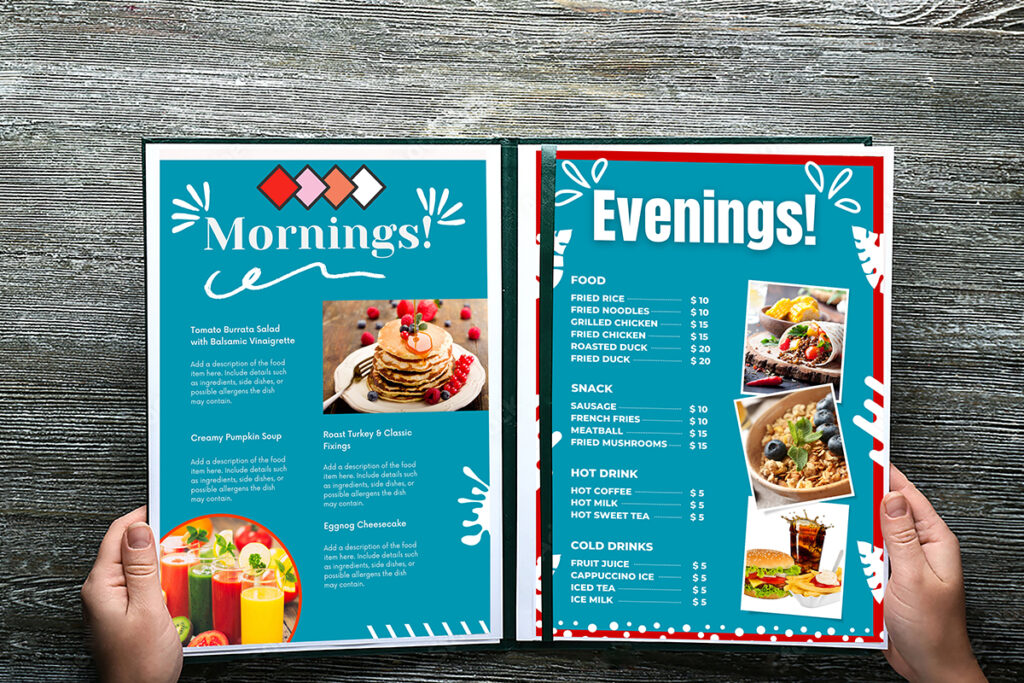
A restaurant menu template is a pre-designed layout that allows restaurant owners to quickly create customized menus.
Templates usually include:
- Food categories
- Pricing sections
- Image placeholders
- Restaurant logo area
- Contact information
- QR code space
- Brand colors
- Typography styling
Many templates are editable using:
- Canva
- Adobe Illustrator
- Adobe Photoshop
- Microsoft Word
- PowerPoint
- Google Docs
- Figma
This flexibility makes menu templates suitable for businesses of every size.
Types of Restaurant Menu Templates
Choosing the right template depends on your restaurant style and customer expectations.
Classic Restaurant Menu
Perfect for:
- Family restaurants
- Traditional dining
- Local eateries
Features:
- Elegant typography
- Minimal design
- Multiple menu sections
- Easy-to-read layout
Modern Minimalist Menu
Ideal for:
- Trendy cafés
- Coffee shops
- Healthy food brands
Benefits:
- Clean design
- Plenty of white space
- Focus on readability
- Contemporary branding
Fine Dining Menu Template
Luxury restaurants benefit from menus featuring:
- Premium typography
- Sophisticated layouts
- Limited color palettes
- Elegant spacing
This style creates an upscale dining experience before customers even order.
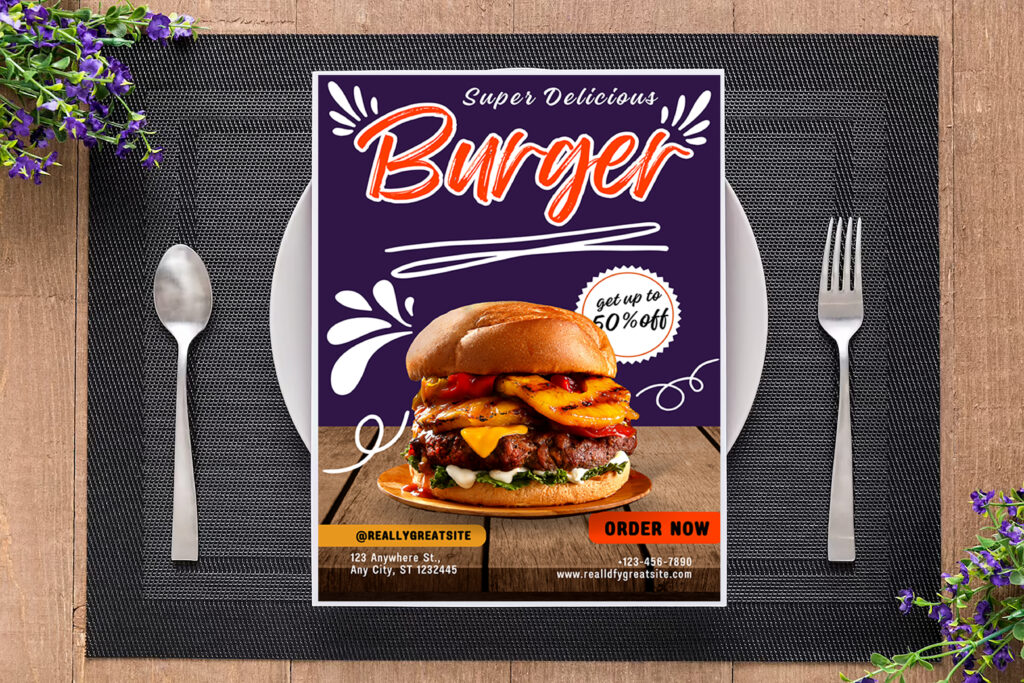
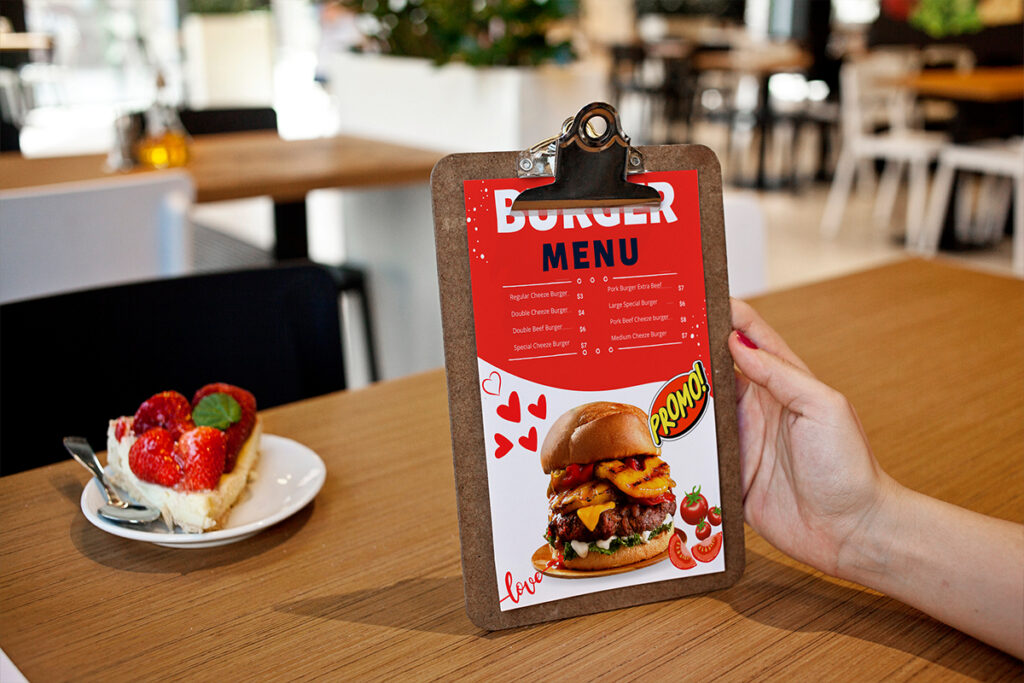
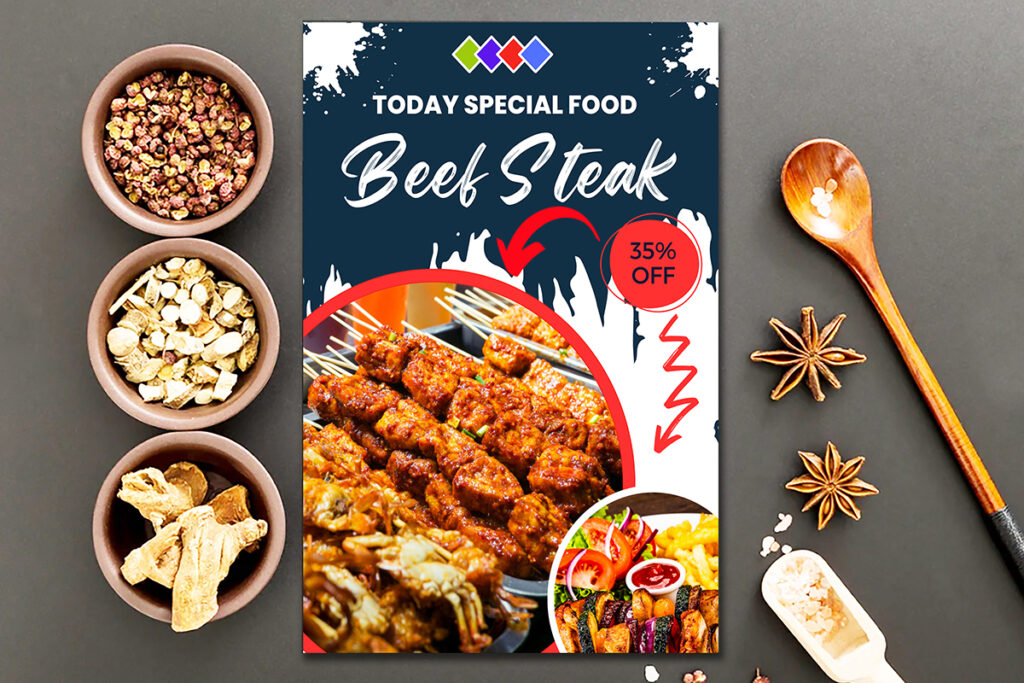
Fast Food Menu Template
Designed for speed.
Key characteristics:
- Bright colors
- Large images
- Combo meal sections
- Promotional offers
- Easy navigation
Fast-food customers often make decisions within seconds, making visual design especially important.
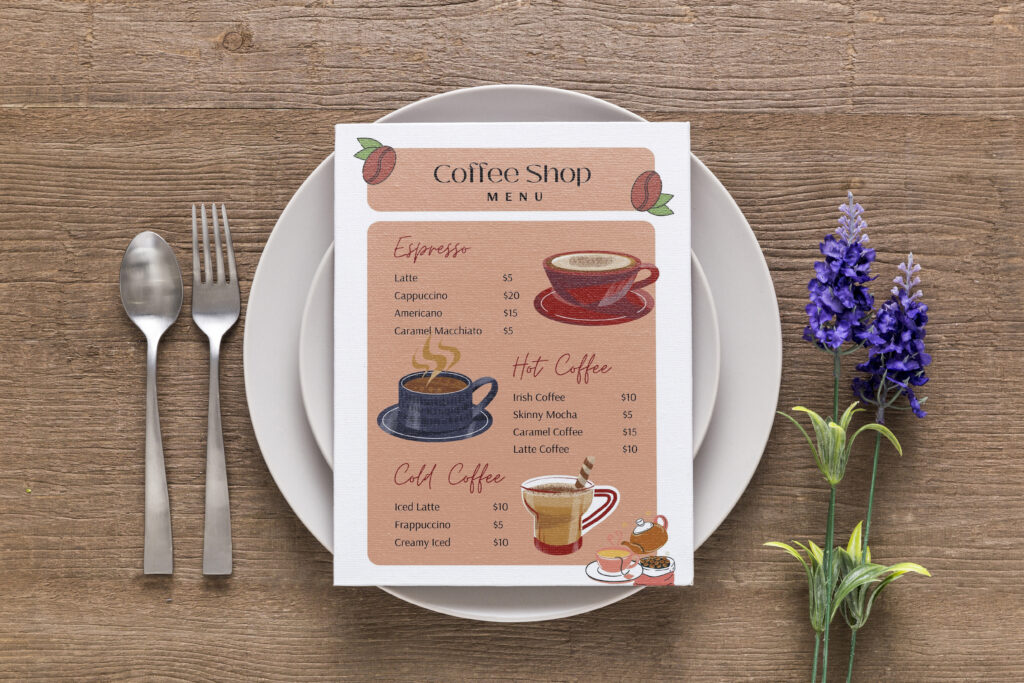
Café Menu Template
Perfect for:
- Coffee shops
- Dessert cafés
- Tea lounges
Usually includes:
- Beverage section
- Pastries
- Breakfast items
- Seasonal drinks
Food Truck Menu
Since space is limited, food truck menus prioritize simplicity.
Good templates feature:
- Large fonts
- Limited menu items
- High-contrast colors
- Mobile-friendly QR codes
Digital Restaurant Menu
Increasingly popular after contactless dining became mainstream.
Advantages include:
- Easy updates
- QR code access
- Interactive design
- Lower printing costs
- Environmentally friendly
Key Features of the Best Restaurant Menu Templates
Not every menu template delivers results.
Here are the most important features to look for.
Clean Layout
Customers should locate food categories within seconds.
Avoid clutter.
Group items logically:
- Starters
- Main Course
- Desserts
- Drinks
- Specials
Easy Customization
Good templates let you modify:
- Colors
- Fonts
- Prices
- Images
- Logo
- Background
No advanced design skills should be required.
Mobile-Friendly Design
More customers now view menus on smartphones.
Your menu should display properly on:
- Phones
- Tablets
- QR code menus
- Restaurant websites
High-Quality Typography
Readable fonts improve customer experience.
Recommended combination:
Heading:
- Serif font
Body:
- Sans-serif font
Avoid decorative fonts that reduce readability.
Brand Consistency
The menu should reflect your restaurant’s identity.
Maintain consistency with:
- Brand colors
- Logo placement
- Photography style
- Typography
- Icons
Comparison of Popular Restaurant Menu Template Styles
| Template Style | Best For | Design Style | Digital | |
| Minimalist | Modern cafés | Clean | ✔ | ✔ |
| Classic | Family restaurants | Traditional | ✔ | ✔ |
| Luxury | Fine dining | Elegant | ✔ | ✔ |
| Fast Food | Quick service | Colorful | ✔ | ✔ |
| Food Truck | Street food | Compact | ✔ | ✔ |
| QR Menu | Modern restaurants | Interactive | ✖ | ✔ |
How to Choose the Best Restaurant Menu Template
Finding the perfect menu starts with understanding your business.
Know Your Audience
Ask yourself:
- Are customers families?
- Are they professionals?
- Tourists?
- Students?
Your design should match customer expectations.
Match Your Brand
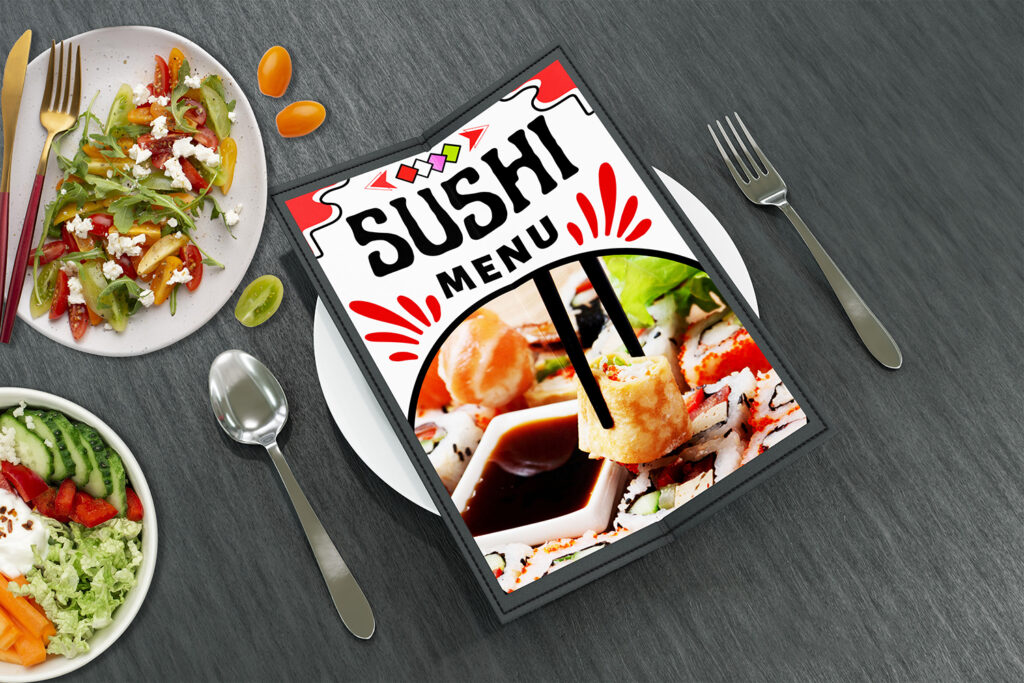
A sushi restaurant shouldn’t use the same template as a burger shop.
Your menu should reinforce your restaurant theme.
Prioritize Readability
Customers should never struggle to read prices or descriptions.
Use:
- Clear spacing
- Large headings
- Consistent fonts
- Organized sections
Consider Printing Costs
Dark backgrounds often consume more ink.
If printing frequently, choose templates optimized for affordable printing.
Keep Future Updates Easy
Menus change.
Choose templates that make editing prices, seasonal dishes, and promotions simple.
Restaurant Menu Design Tips That Increase Sales
Great menu design combines aesthetics with psychology.
Highlight High-Profit Items
Use subtle design elements:
- Boxes
- Icons
- Color accents
- Featured sections
Avoid excessive highlighting.
Write Better Food Descriptions
Instead of:
“Chicken Pasta”
Try:
“Grilled Herb Chicken Pasta with Creamy Garlic Parmesan Sauce”
Descriptive names improve perceived value.
Limit Choices
Too many options overwhelm customers.
Many successful restaurants keep menus focused.
Quality beats quantity.
Use High-Quality Images Carefully
Images work well for:
- Fast food
- Cafés
- Bakeries
Luxury restaurants often avoid excessive photography.
Create Visual Hierarchy
Customers naturally scan menus.
Guide attention using:
- Font size
- White space
- Bold headings
- Strategic placement
Common Restaurant Menu Design Mistakes
Avoid these frequent errors.
Overcrowded Layout
Too much text creates confusion.
Keep spacing comfortable.
Poor Font Choices
Fancy fonts often reduce readability.
Simple typography performs better.
Low-Resolution Images
Blurry food photos damage credibility.
Always use professional-quality images.
Inconsistent Branding
Random colors and fonts make menus appear unprofessional.
Maintain visual consistency throughout.
Ignoring Mobile Users
Today’s customers frequently scan QR menus.
Ensure responsive layouts.
Best Uses for Restaurant Menu Templates
Restaurant menu templates aren’t limited to restaurants.
They’re also useful for:
- Cafés
- Bakeries
- Ice cream shops
- Pizza restaurants
- Food trucks
- Catering businesses
- Hotel restaurants
- Juice bars
- Bubble tea shops
- Meal prep services
Printable vs Digital Restaurant Menu Templates
| Feature | Printable Menu | Digital Menu |
| Initial Cost | Moderate | Low |
| Easy Updates | No | Yes |
| QR Compatible | No | Yes |
| Eco-Friendly | No | Yes |
| Customer Interaction | Standard | Interactive |
| Maintenance | High | Low |
Many modern restaurants now combine both formats.
Where to Use Restaurant Menu Templates
Businesses commonly use menu templates for:
- In-store dining
- Online ordering
- Food delivery apps
- Restaurant websites
- Social media promotions
- Hotel room service
- Event catering
- Seasonal campaigns
A consistent menu across all platforms strengthens brand recognition.
Expert Recommendations
Experienced restaurant consultants recommend:
- Update menus seasonally.
- Remove low-selling items regularly.
- Feature signature dishes prominently.
- Use consistent pricing formats.
- Test menu layouts before printing.
- Collect customer feedback.
- Optimize QR menus for mobile devices.
- Maintain visual consistency with your branding.
Small design improvements often produce measurable increases in customer satisfaction and revenue.
Frequently Asked Questions
What is the best restaurant menu template?
The best restaurant menu template is one that matches your brand, is easy to read, customizable, mobile-friendly, and highlights your most profitable menu items effectively.
Are restaurant menu templates editable?
Yes. Most templates can be edited using Canva, Photoshop, Illustrator, Microsoft Word, PowerPoint, Google Docs, or Figma, depending on the file format.
Should I use photos on my restaurant menu?
It depends on your business. Fast-food restaurants, cafés, and bakeries benefit from food photography, while fine dining establishments often prefer minimalist text-focused menus.
What size should a restaurant menu be?
Popular menu sizes include:
- A4
- Letter Size
- Tri-fold
- Bi-fold
- Square menus
- Digital mobile formats
Choose the size that fits your restaurant style and available table space.
Are digital restaurant menus better than printed menus?
Digital menus offer easy updates, QR code access, lower maintenance costs, and contactless ordering. However, many restaurants still combine digital and printed menus to serve different customer preferences.
How often should restaurants update their menus?
Review your menu every three to six months or whenever prices, seasonal dishes, or promotions change. Regular updates keep your offerings relevant and accurate.
Conclusion
The best restaurant menu templates do much more than display food items—they shape customer perceptions, reinforce your brand, and encourage higher-value orders. Whether you’re launching a new café, redesigning a family restaurant, or modernizing a food truck menu, choosing the right template can save time while delivering a polished, professional look.
Focus on readability, consistent branding, easy customization, and customer-friendly layouts. Pair thoughtful design with compelling food descriptions and strategic menu organization to create a menu that not only looks great but also supports your business goals.
If you’re looking for professionally designed, easy-to-edit restaurant menu templates, explore the premium collection at Imagenish and find designs that help your food business stand out both online and offline.